


How to use a Pomodoro study timer
Plan a study session, set your intervals, and review what you finished with Sakura Focus.

A free Chrome extension for work and study. Track your time, customize your sessions, and watch each tree grow. Pro is an optional upgrade.
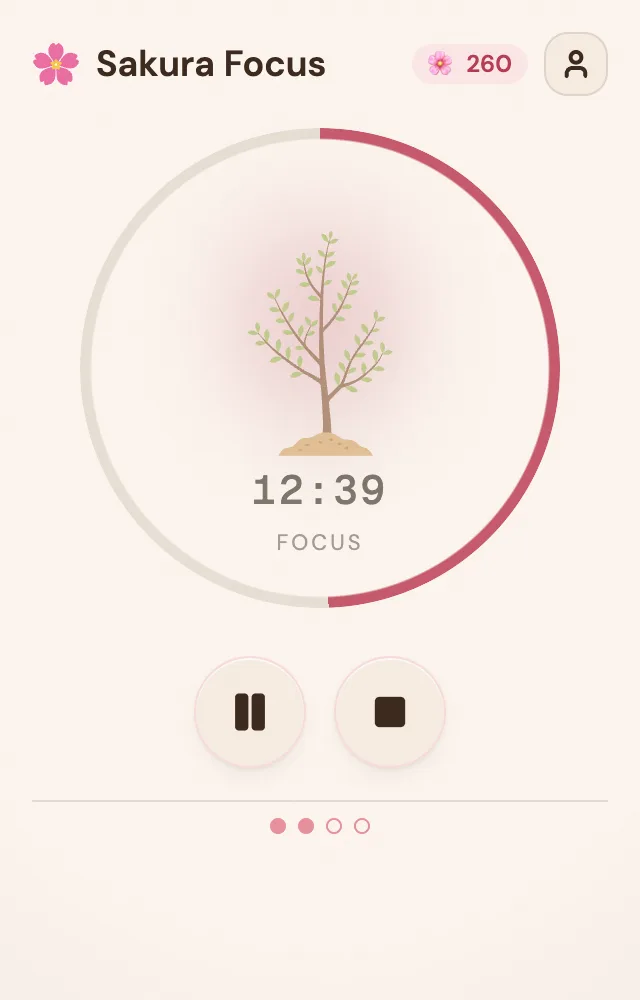
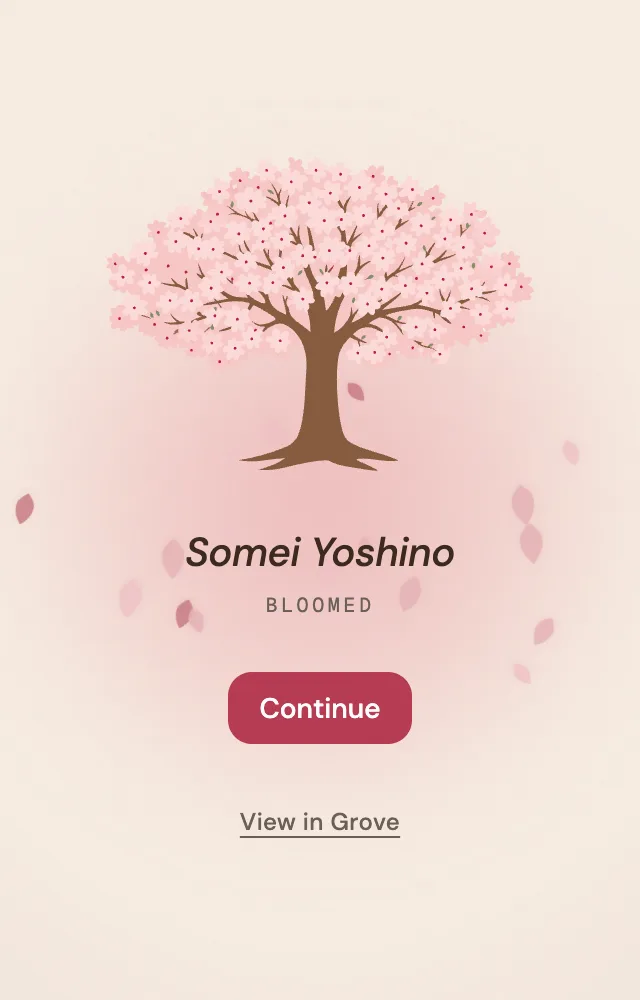
Every focus session grows a cherry blossom tree.
Set your focus and break lengths.
Create your own categories and see where your time goes.
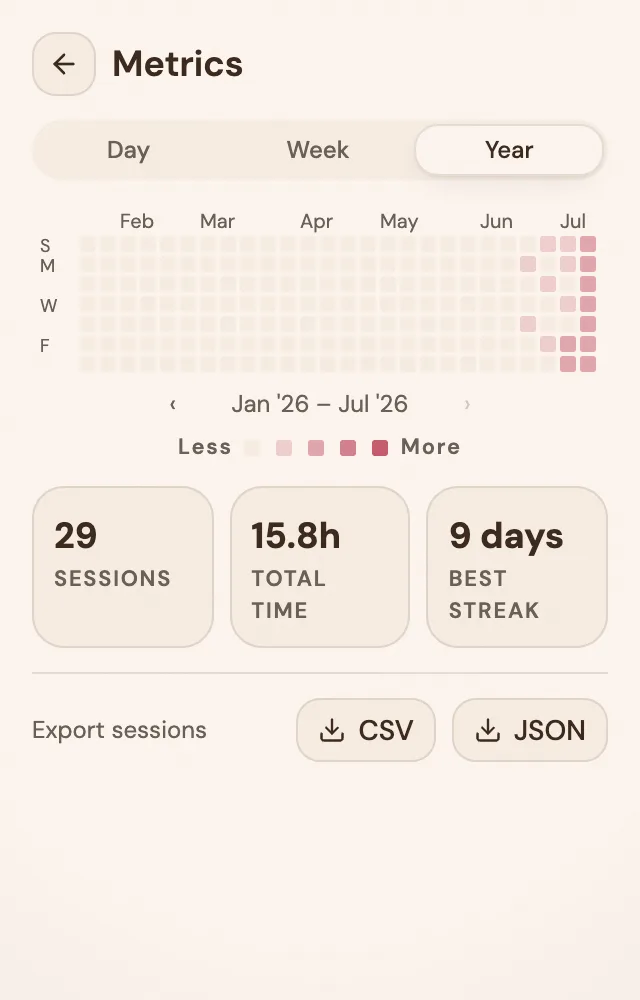
Daily, weekly, and yearly focus trends.
Add Sakura Focus from the Chrome Web Store and pin it so the timer is one click away.
Open Settings and choose your focus and break lengths. Save, and you’re ready.
Start a session and work. Each finished focus grows a tree; complete the cycle and it blooms into your grove. Sign in to save your progress.
| Features | Free | Pro |
|---|---|---|
| Session history | 90 days | Unlimited |
| Cherry Blossom Species | 3 | 5 (2 exclusive) |
| Focus categories | 2 | 8 |
| Auto-start next session | — | On |
| Data export | — | CSV + JSON |
5★“This is actually what I was looking for… genuinely… if you are trying to track your progress… this is the best extension.”
Install the free extension, then upgrade to Pro from inside it — your purchase links to your account automatically.
Yes. Sakura Focus is free to install. Pro is an optional upgrade. The Free vs Pro table above lists exactly what each plan includes.
You can use the timer without signing in. Sign in to save your focus sessions, statistics, and grove to your account.
Yes. In Settings you can set the focus duration, short and long breaks, and how many sessions come before a long break. You can also give a focus category its own duration, which overrides the default while that category is selected. Custom intervals are free; auto-starting the next session requires Pro.
Start the upgrade from inside the extension. It opens checkout with your account attached, so your account is properly linked as Pro.
Monthly and yearly plans renew automatically. Cancel anytime from Manage Subscription in the extension. Lifetime never renews.
A single payment grants Pro access permanently — no renewals, no expiration.
Your sessions and grove stay intact. You keep Pro until the period ends, then return to Free limits (90-day history, fewer categories, and the free species).
30-day, no-questions-asked refund via LemonSqueezy.
Plan a study session, set your intervals, and review what you finished with Sakura Focus.
Compare shorter and longer focus blocks, then set up the schedule that fits your next task.